
The decision usually arrives at an awkward moment. Three notebooks are on the go, one of them is missing, and a tablet has started to look like the tidy answer. Then you stand in a stationery shop, feel the weight of the paper, and wonder whether you would actually use the thing.
Both tools work. That is the frustrating part. Paper and glass each do a few things beautifully and one or two things badly, so the useful question is not which is better. It is which set of trade-offs suits the writing you already do.
The job your notes actually do
Note-taking is not one activity. It is at least four, and they pull in different directions:
- Capture — the fast scrawl in a meeting, on a train, halfway through an idea.
- Thinking — the slow, messy work of mapping an argument, a plot or a chapter.
- Reference — names, figures and decisions you need to find again quickly.
- Archive — material you want to still own in ten years.
Most writers need two of those strongly and one occasionally. Work out your order before you spend anything, because a device that is brilliant at reference can be a poor tool for thinking, and the reverse is just as true.
Paper: friction in useful places
Where paper wins
Writing by hand is slower than typing, and slower is often the point. You compress as you go. You draw arrows, box things, write in the margin, turn the page sideways. No notification arrives halfway through a sentence, nothing needs charging, and a notebook costs little enough that you can start today. It also never becomes obsolete: a page written in 1998 still opens without an app.
Where it strains
Volume is paper's real weakness. Fill a notebook a month and retrieval becomes a research project. You can blunt that with three habits: number the pages, keep a contents list in the front, and date every entry in the outer margin. It takes seconds and saves an afternoon later. Beyond that, paper takes up shelf space, and a lost bag means lost work.
Tablets: capability with conditions
Where a tablet wins
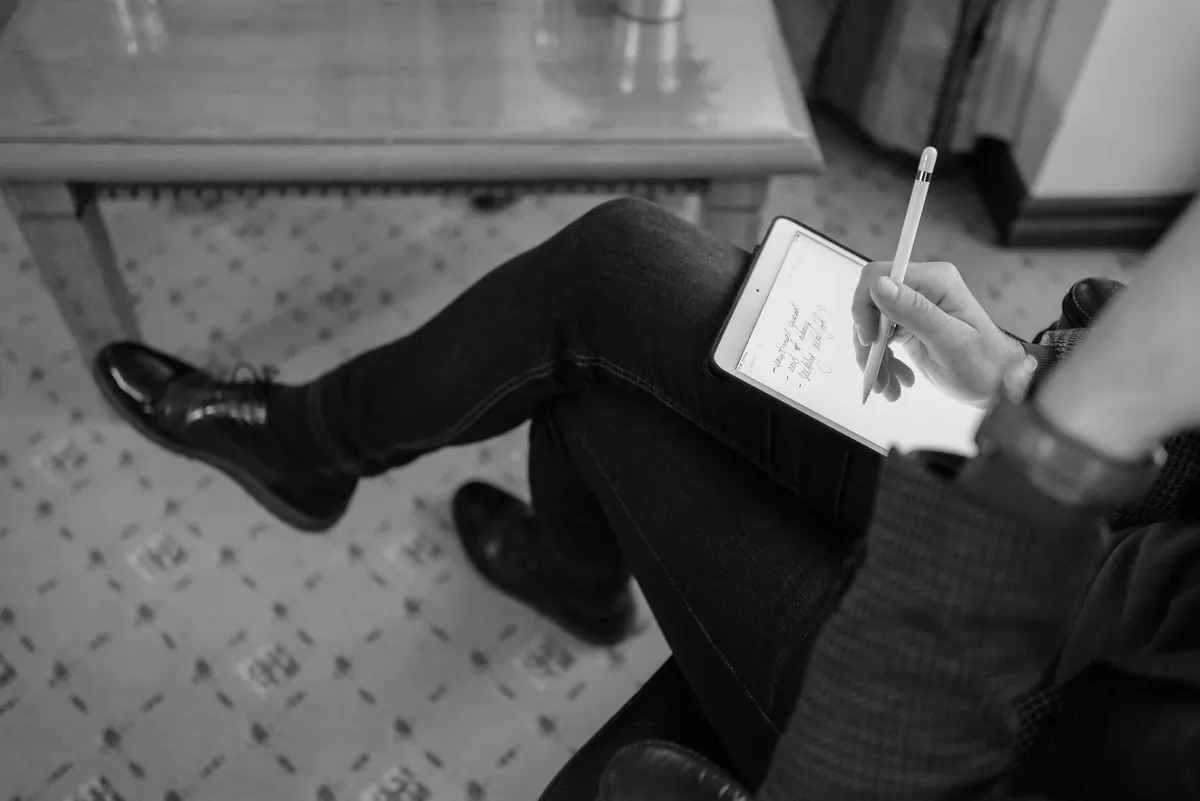
Search is the headline. Typing "Bramble Lane" and finding every mention across four years of notes is something no notebook can do. A tablet also carries your whole archive in one hand, annotates PDFs, and can convert handwriting to text — though recognition quality varies enormously with your handwriting and the app, so test it with your own scrawl before relying on it.
Where it disappoints
Every tablet is also a browser and a mail client. Updates interrupt. Apps get abandoned, file formats shift, and subscriptions pile up quietly. None of this is fatal, but it means a tablet is a tool you have to maintain, not just use.
Cost, focus and handwriting feel
Cost
Compare like with like. A tablet needs a stylus in most cases, often a case, sometimes an app subscription, sometimes replacement nibs. Notebooks and pens are a smaller, repeated cost. If you fill one notebook a year, paper is almost certainly cheaper over five years. If you fill one a month, the sums get much closer, and the tablet's convenience starts to earn its keep. Buy for your actual volume, not your imagined one.
Focus
Paper cannot distract you. A tablet can, unless you arrange it not to: put it in airplane mode, remove mail and social apps, and keep one writing app on the home screen. If that sounds like too much effort, that is useful information about which device will actually get used.
Handwriting feel
Glass is not paper, and no screen protector closes the gap completely. Cheap gel pen on smooth stock, pencil on rough stock, fine stylus on textured glass — these are genuinely different experiences, and you will have preferences you did not know about. Test before buying: ten minutes in a shop, writing a full paragraph rather than your signature. If your handwriting collapses into an illegible scrawl on glass, be honest about it, because legibility matters if you want to search those notes later.
Searchability and the twenty-year question
Digital notes are only searchable if they are actually text. A photo of a page is not searchable unless something converts it. So if you scan paper, or write by hand on a tablet, name each note with a date and two keywords. That small habit does more for retrieval than any feature.
Storage is where the two diverge most sharply. Paper survives neglect. Digital survives only with maintenance: export your notes regularly to PDF, plain text or markdown, keep them in folders you control, and keep a second copy somewhere else. The test is simple — could you open these files on a computer that had never seen your note-taking app? If not, your archive is rented, not owned.
A hybrid most writers settle into
A common arrangement, and one that holds up well:
- One small paper notebook for capture and thinking, carried everywhere.
- A tablet for reading, PDF annotation and anything you will need to search.
- A monthly sweep: photograph or scan the paper pages worth keeping, then file them.
- One index note or contents page per project, so you know where things live.
- An export habit — the same day each month, no exceptions.
It is not elegant, but it plays to both tools: paper for the messy thinking, a screen for the finding.
Decide in a fortnight, not a month
Pick your single most important job — capture or reference, most likely — and run a two-week trial with one change at a time. Borrow a tablet, or buy from somewhere with a straightforward returns policy, and check the stylus and app you would genuinely use, not the demo one. If you are going back to paper, buy one notebook rather than six; a stack of unused notebooks is its own kind of decision paralysis.
Then judge honestly. Did you reach for it without thinking? Did you find what you needed a month later? Whatever survives that test is the right answer for you, and it may well be a cheap notebook in your coat pocket and a tablet on the desk.
Photo: Pavel Danilyuk / Pexels